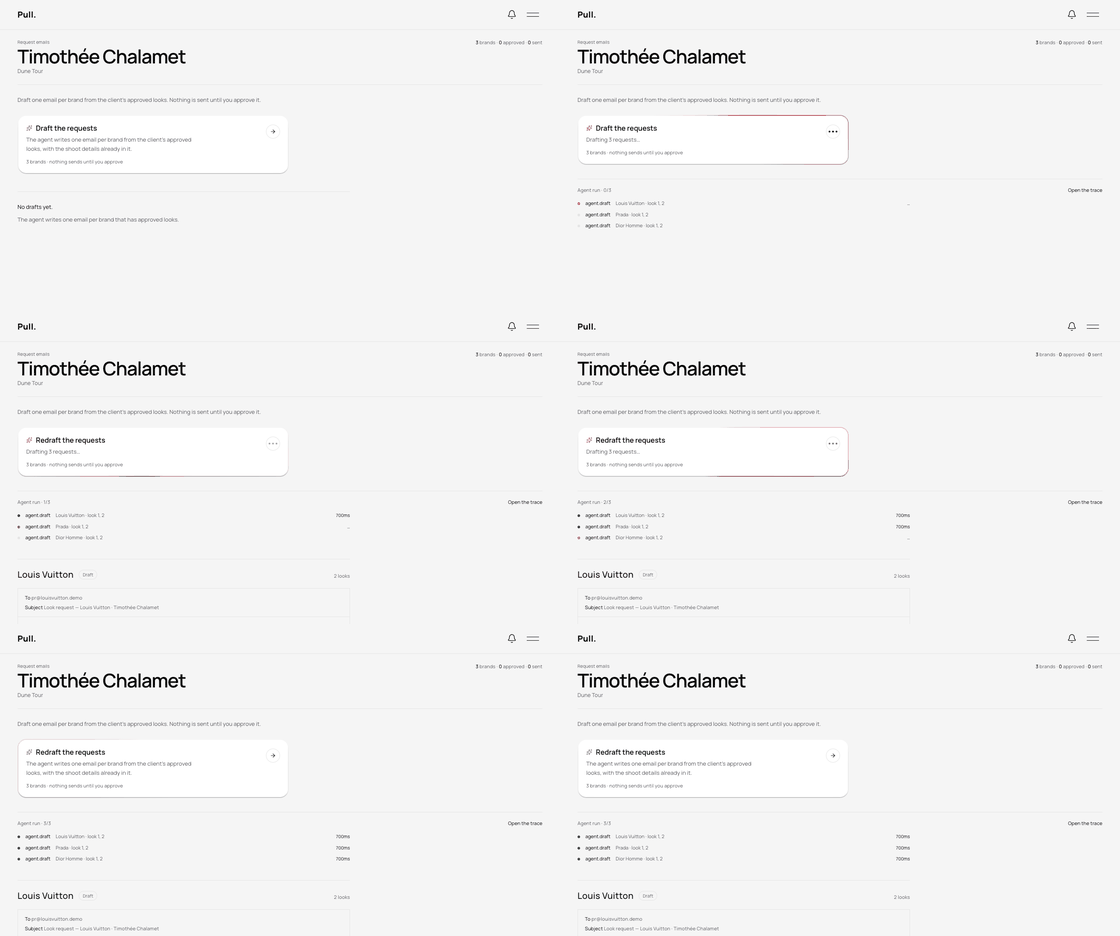
Agent run · 0/5Open the trace →
- cloudinary.trimlook 27 · border trimmed
- tesseract.readCELINE · LOOK 27 · AW26
- parse.lookbrand CELINE · look 27 · AW26
- agent.draftCELINE · look 27
- resend.sendCELINE · pr@celine.demo
Pull. guides you through the entire process of prep. It reads every look, builds styling boards, and sends off for client approval — then turns those approvals into pre-styled mockups, showroom requests, and shipping labels.





How it works
Four moves, one record
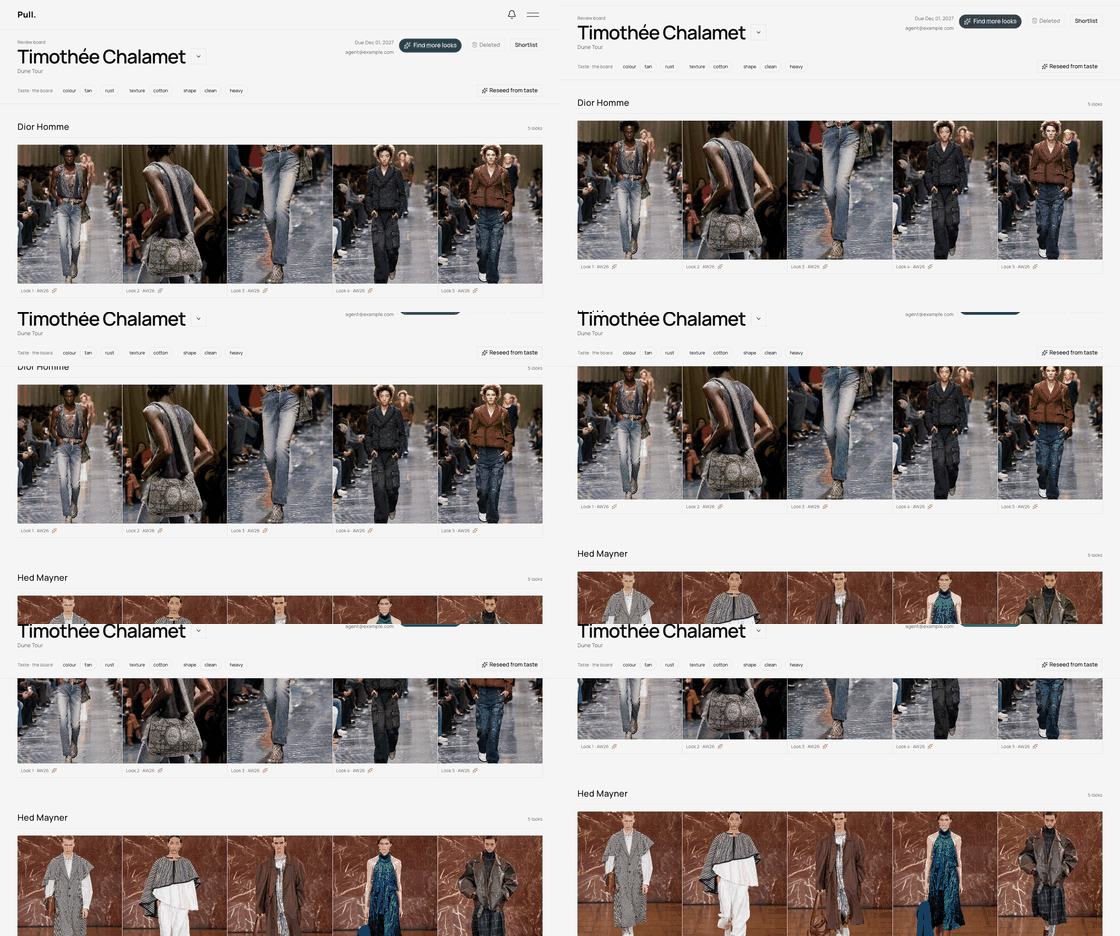
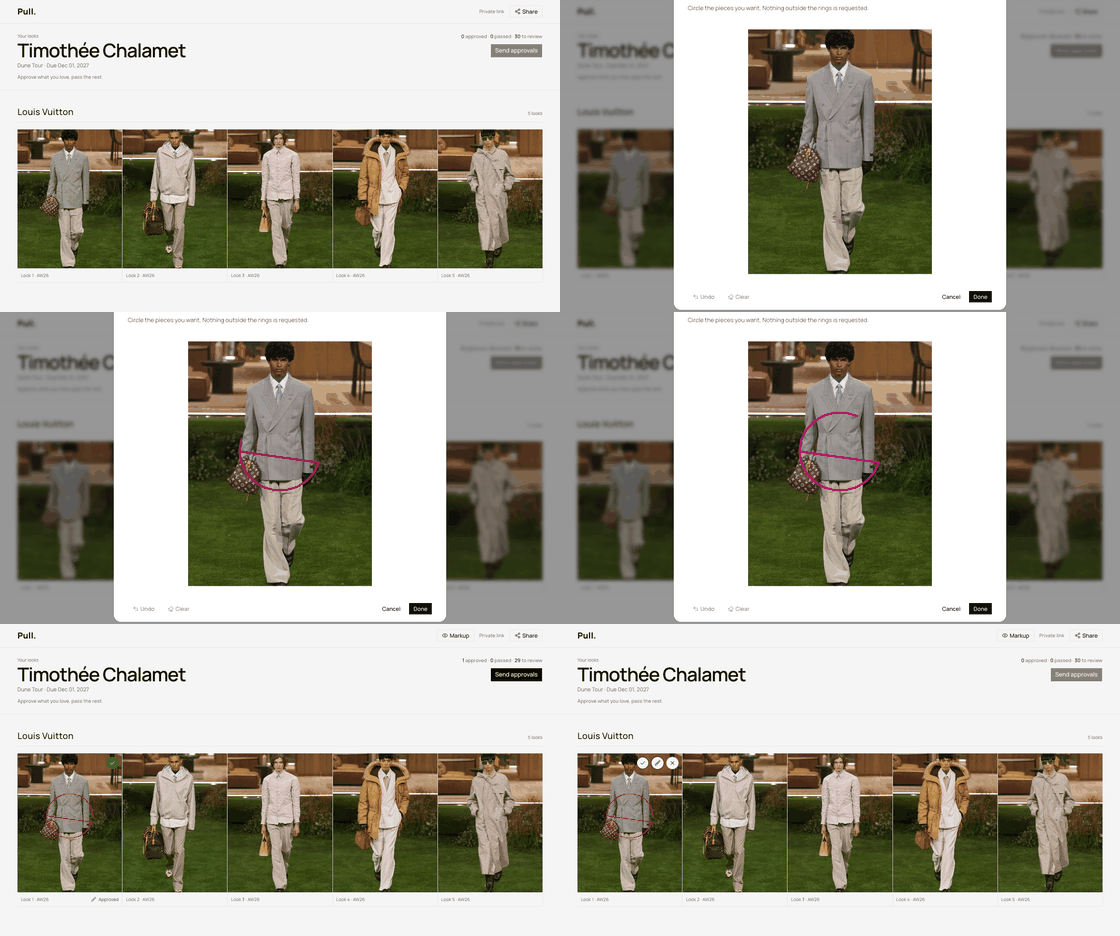
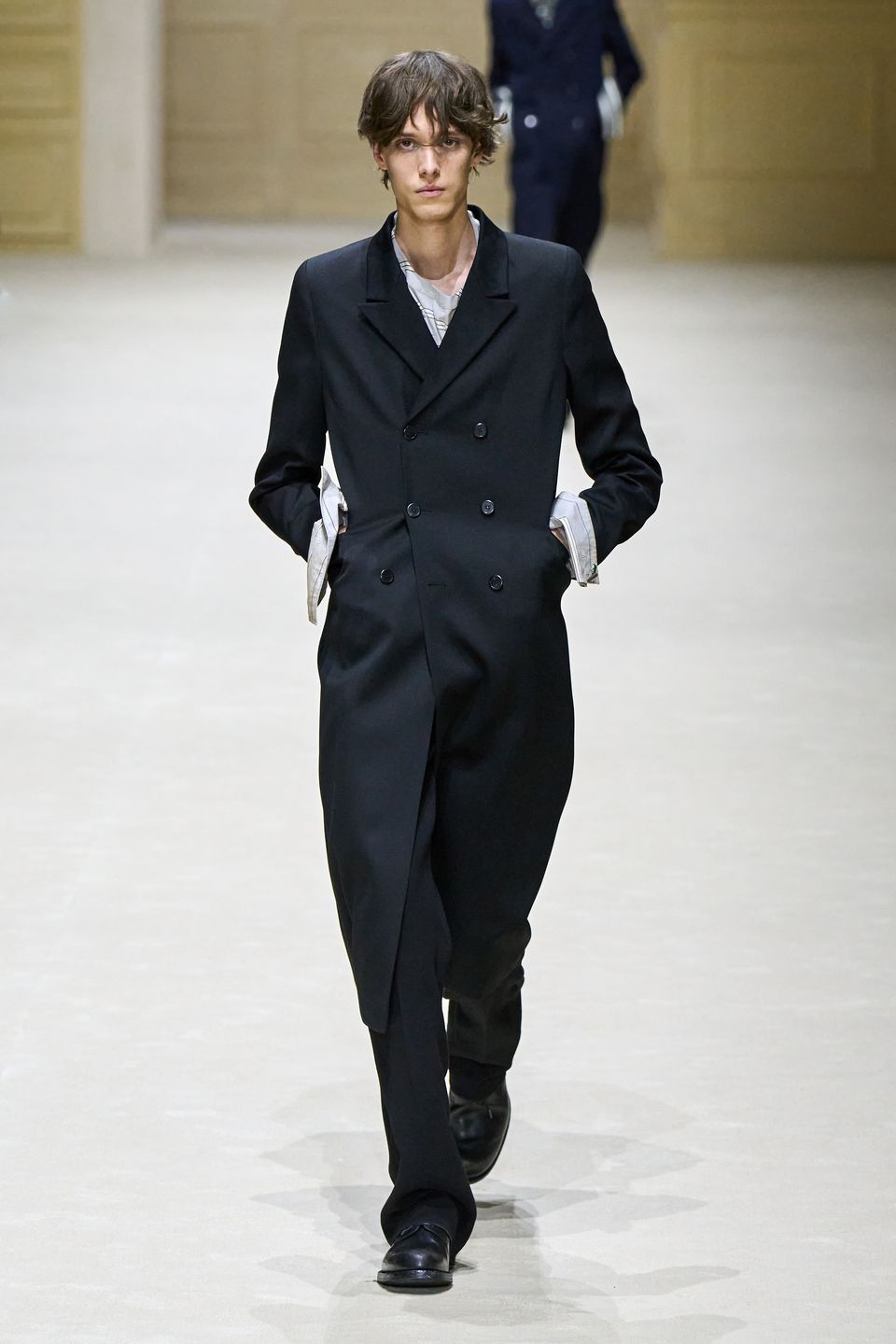
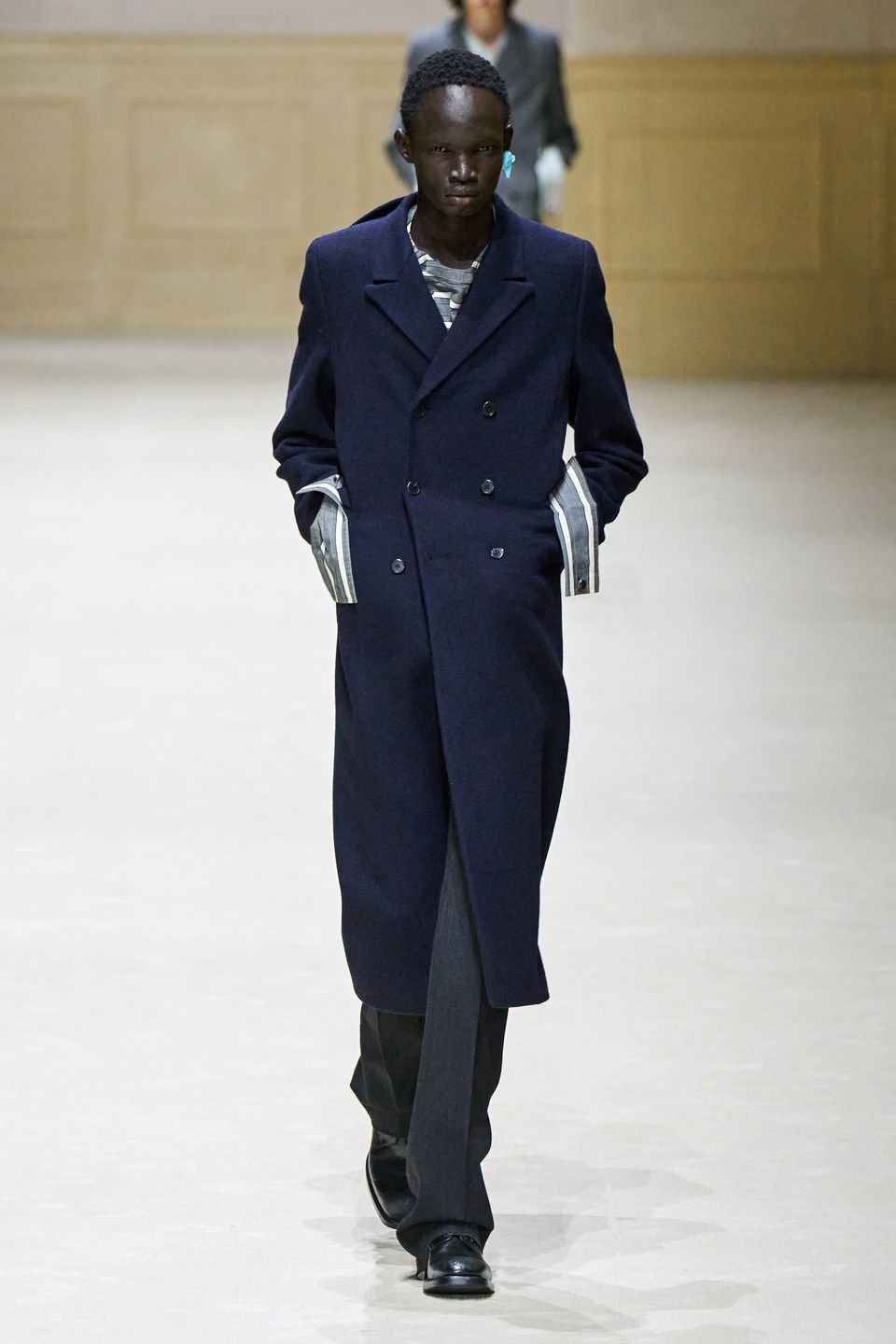
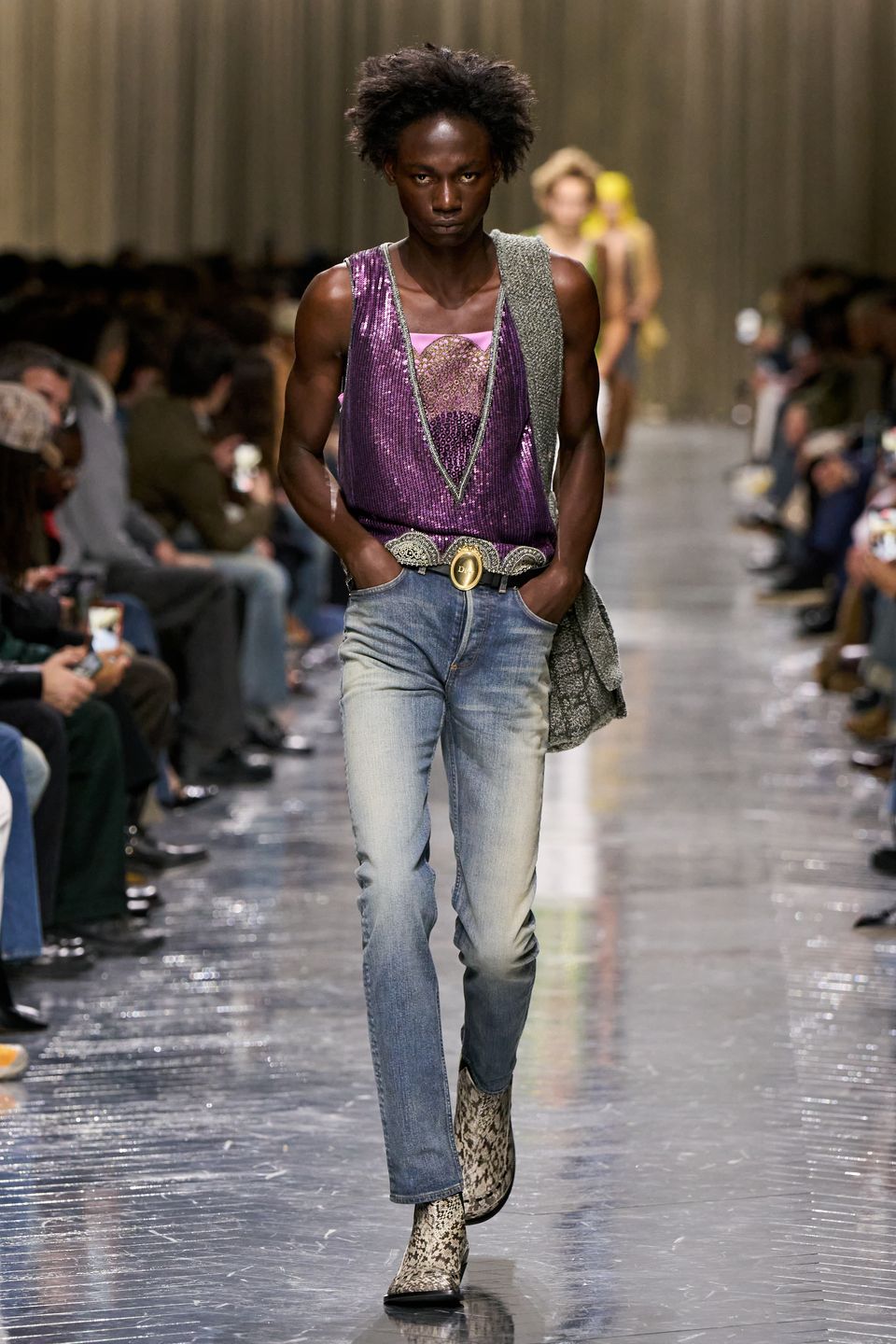
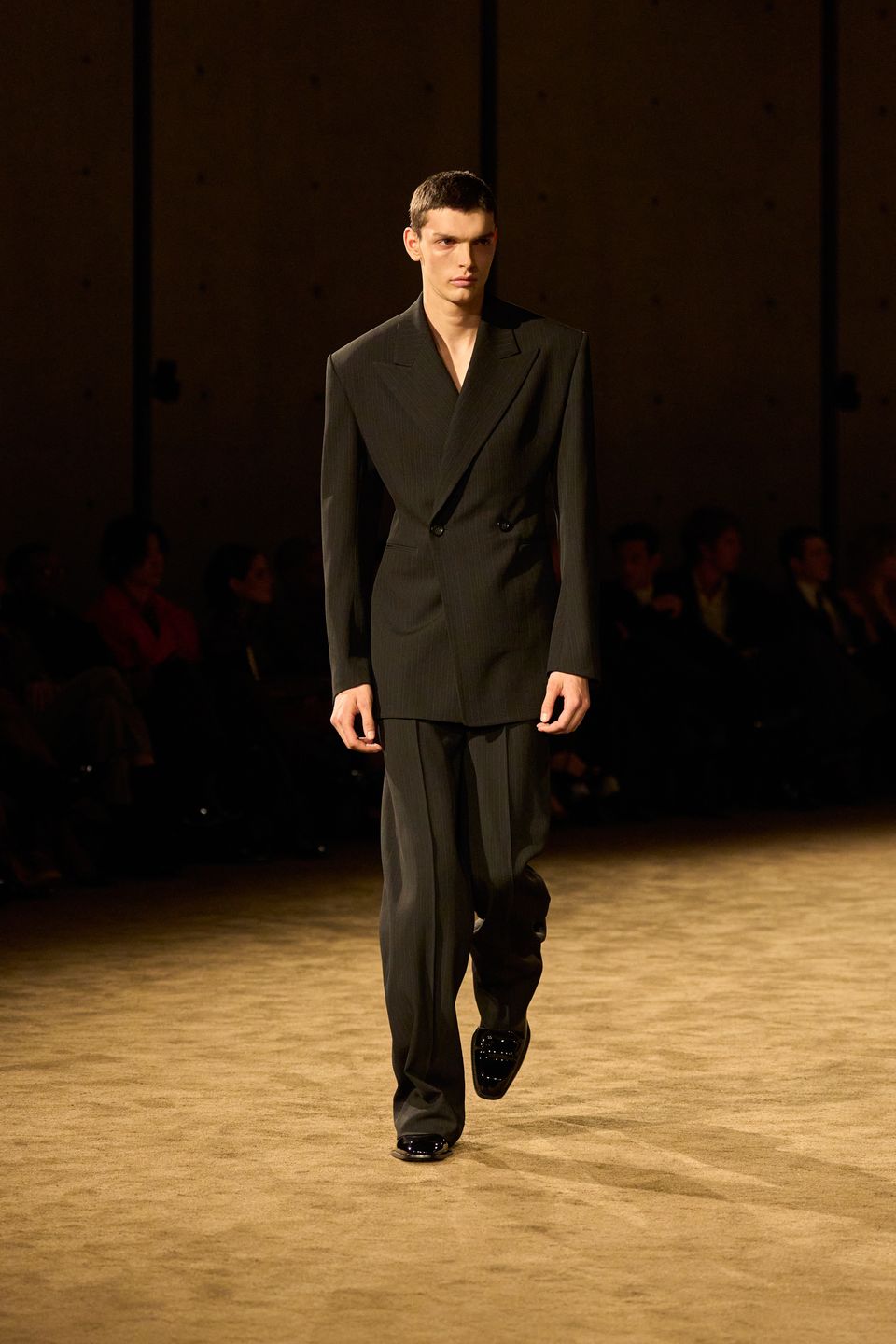
The board — every look, filed by house
01 / 04
The canvas
Mock-up, then try it on
Three pieces in — the jacket, the top, the trousers. Ring the one you mean and the agent writes the prompt, then puts the outfit on a model. The render beside them is one this canvas actually produced.


The agent
Every step the agent takes is a named tool call with its arguments, its result and how long it took — visible while it runs, and kept afterwards. The agent drafts; you approve; then it sends.
Plans
Cancel any time
Priced per seat. Clients and showrooms never take one.
One stylist, every job.
$29/ 1 seat / mo
1 seat
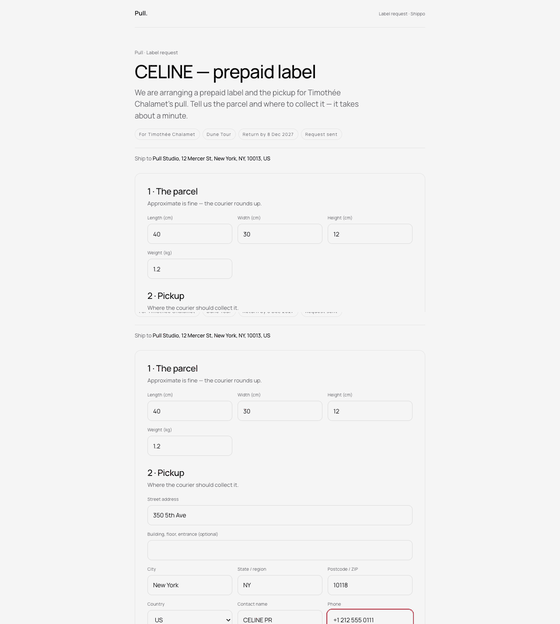
Three seats, with the shipping.
$59/ 3 seats / mo
3 seats
For teams that hand it around.
Talk to us
custom
Questions
No. The link is the board — nothing to install, nothing to log in to. Showrooms work the same way: a link, not a login.
A stylist who signs in. Clients and showrooms never take a seat, so a studio only pays for the people doing the work.
The agent drafts one per showroom from the approved looks. Nothing leaves the studio until you approve it, and every step it took stays on the record.
They stay in your workspace with the looks they produced, filed by house and readable at any time. Delete a job and its images go with it.